Conspiracy Court
Swipe-first debate
Pick a side. Meet your opposite.
Swipe on hot takes, moral dilemmas, politics, and chaos. Someone out there just swiped the other way — go find them.
Download CounterSwipe
See how it works
Download CounterSwipe
Choose the right store for this device.
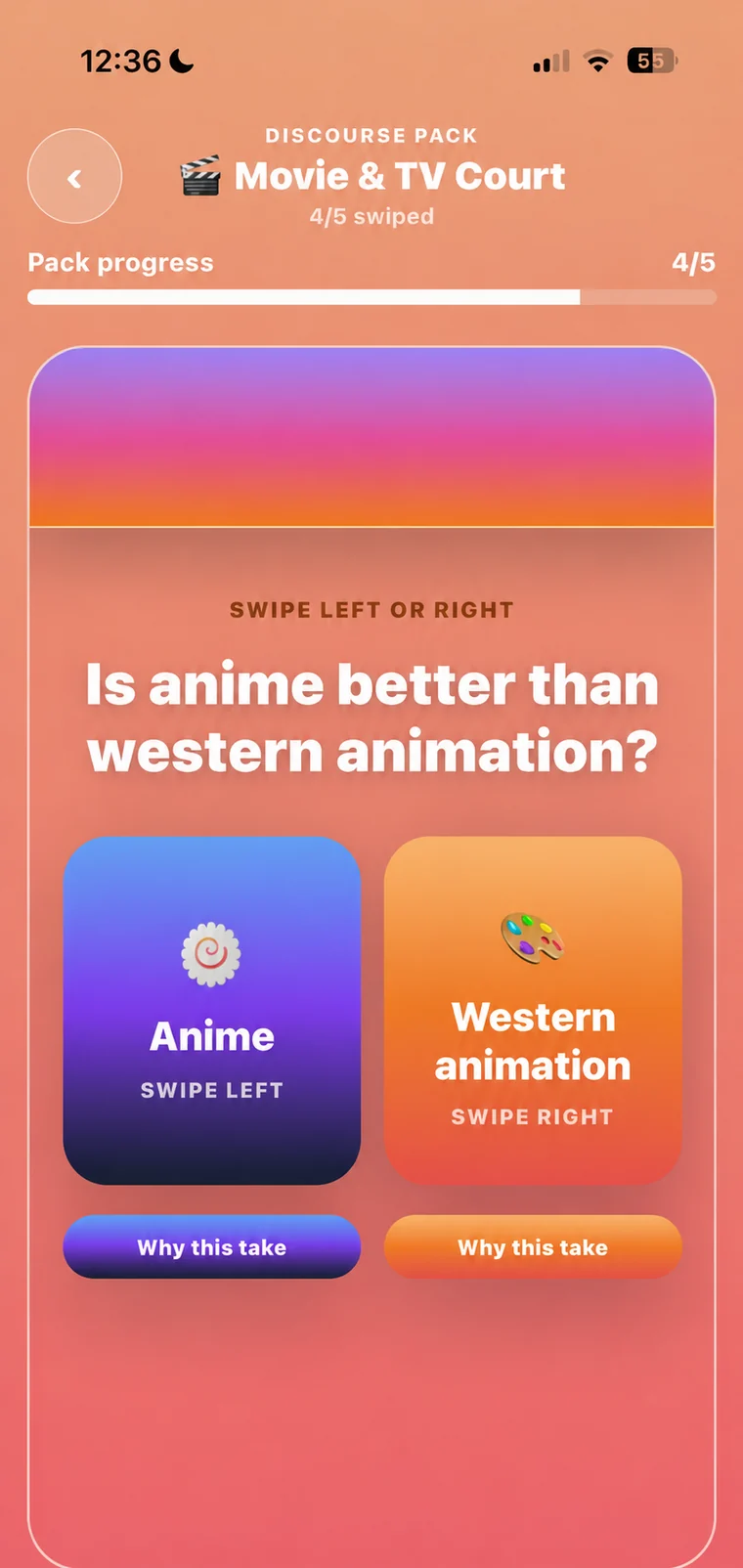

Try the swipe
Swipe the card. Watch the split unlock.
Drag the card, tap a side, or use arrow keys. The split unlocks fast, then the next take slides in.
Drag left/right
Tap buttons
Use ← / →
CONSPIRACY COURT · CARD 1 OF 5
SWIPE NOW
Pick a side to reveal the room split. The next card loads automatically.
Rooms
Tap a circle to swap the swipe card into that room.
Each option loads a different kind of prompt, so the next swipe feels like the room you picked.
How it works
Debate starts with one fast swipe.
Pick a room, swipe the side you can defend, then match with someone who chose the opposite take.
Pick a room
Jump into a prompt pack built around things people actually disagree about.
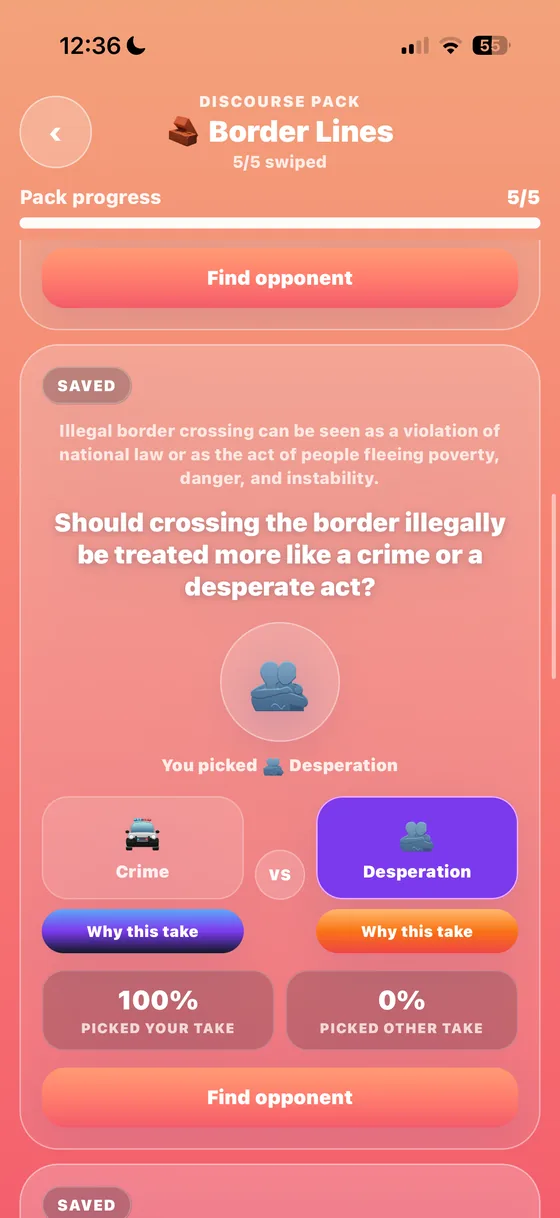
Swipe your side
No long onboarding. Just pick the position you can defend.
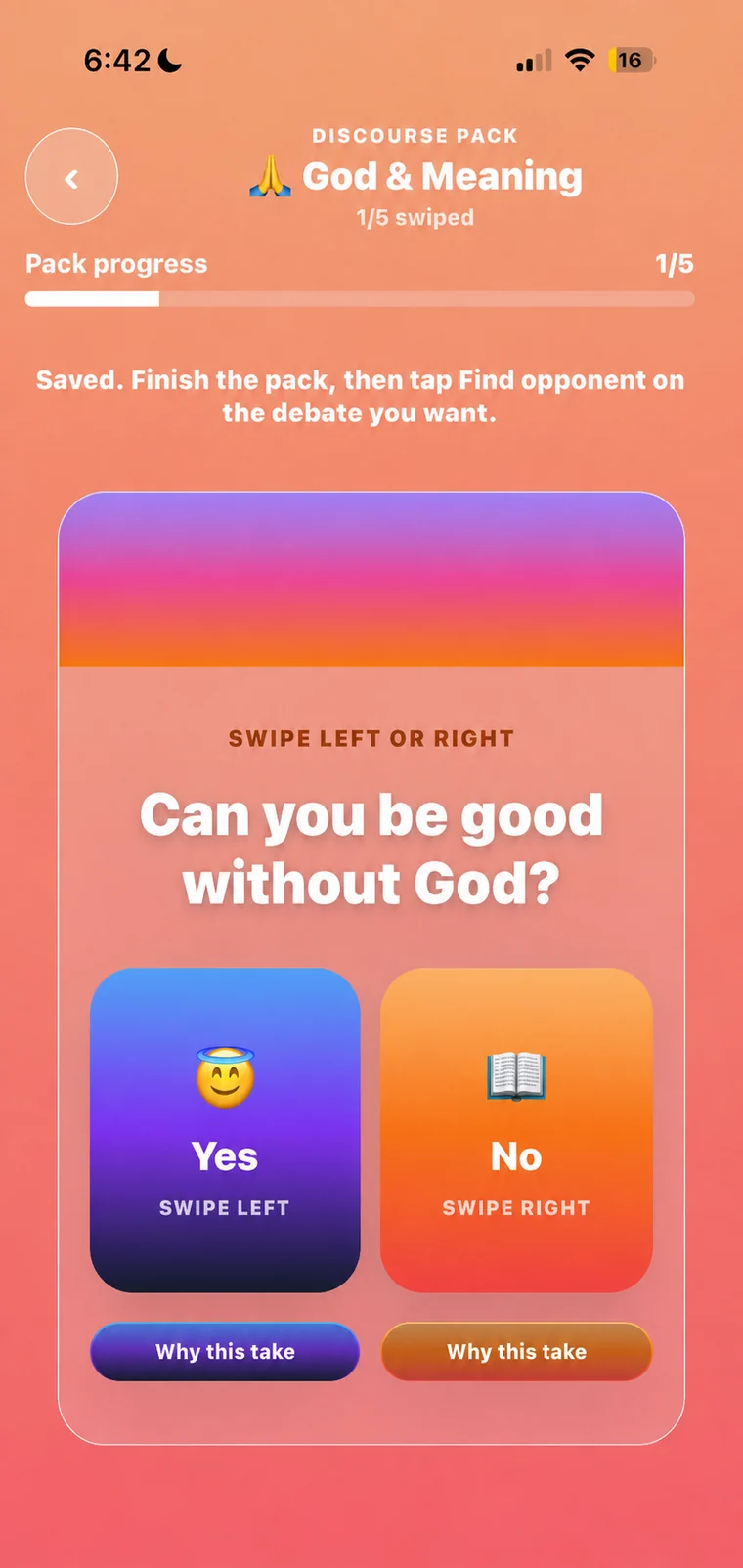
Find the opposite
The app turns disagreement into a match, a chat, and a score.
Prompt-first
Make the cards feel bigger than the app chrome.
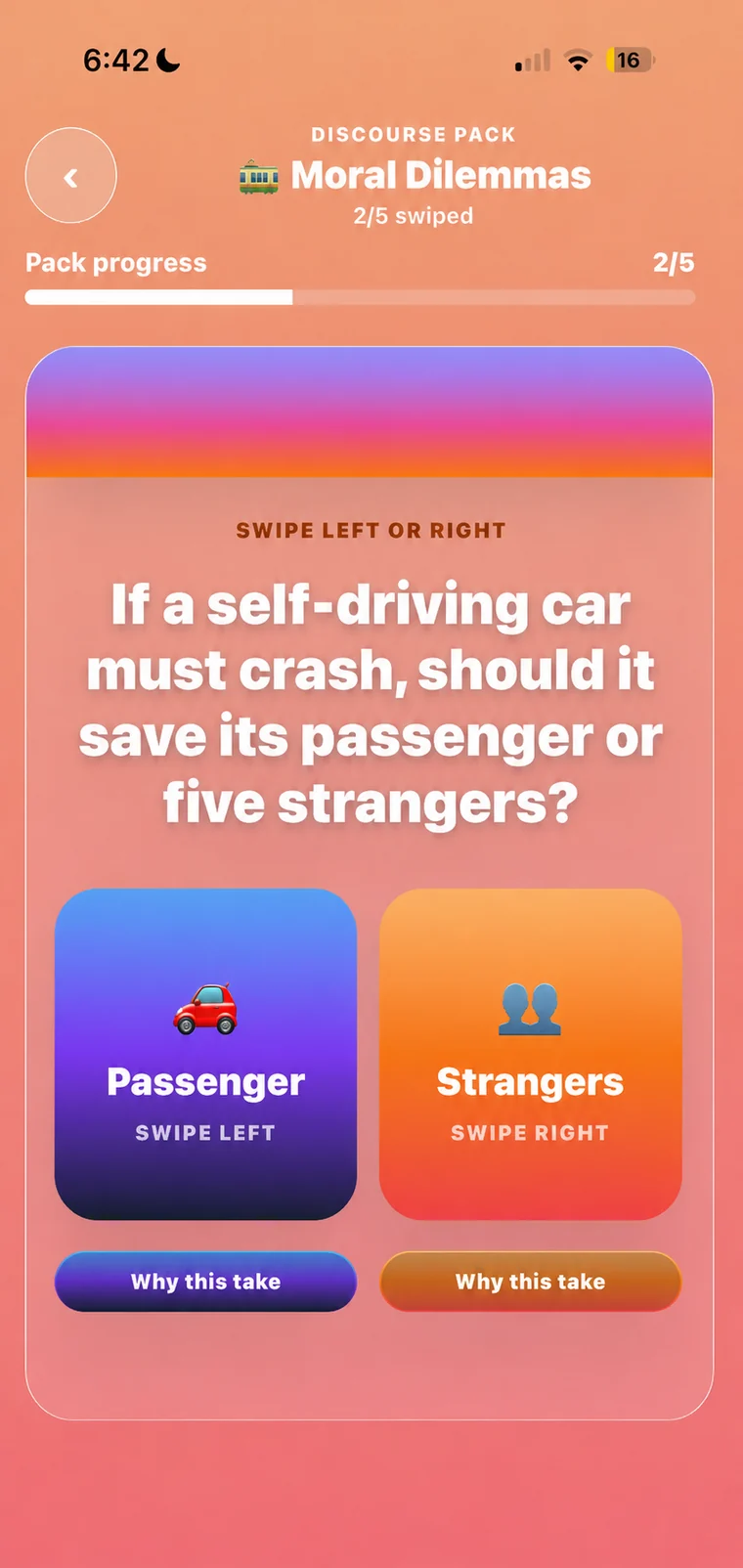
The phone imagery fades upward as prompts come into view, keeping the cards bigger than the app chrome.
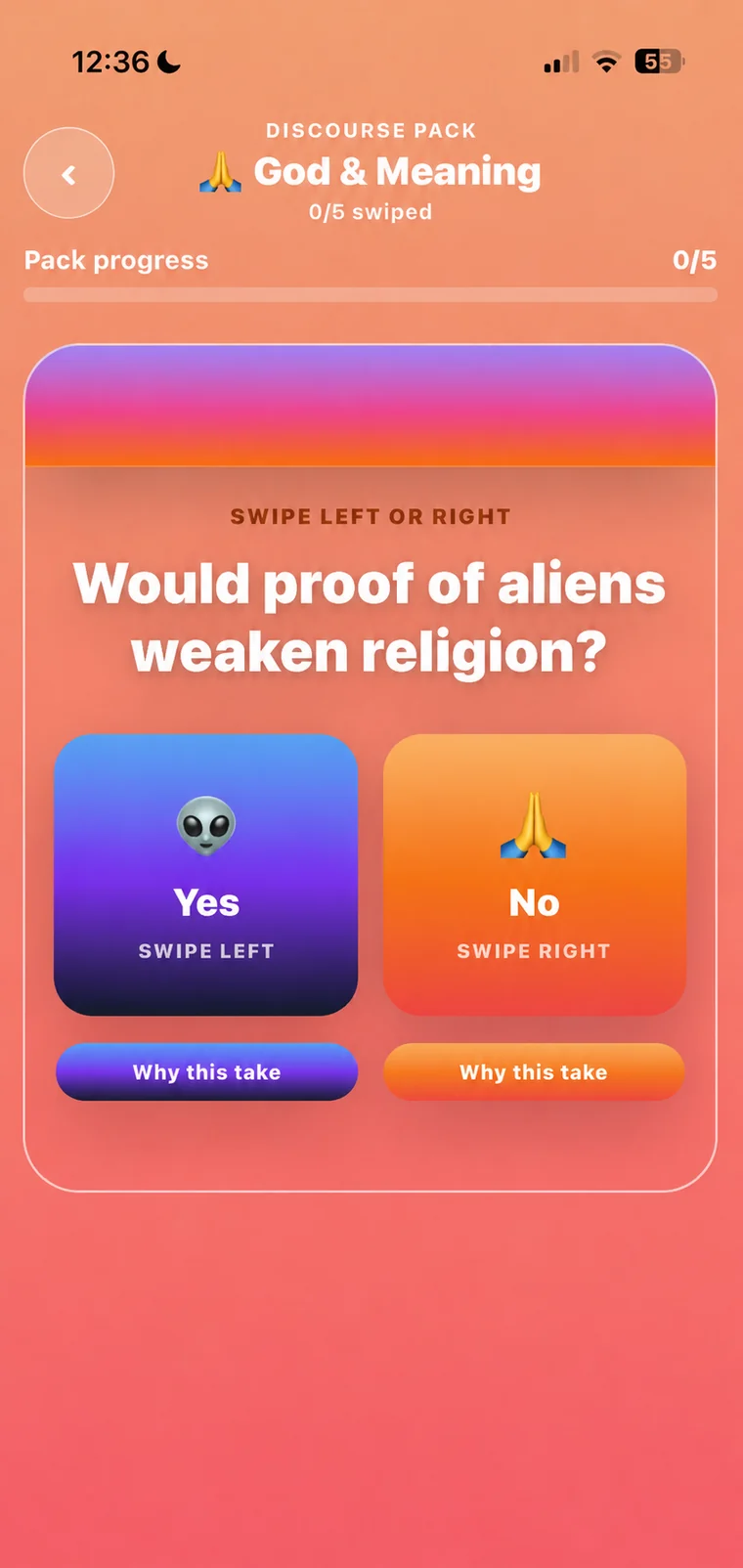
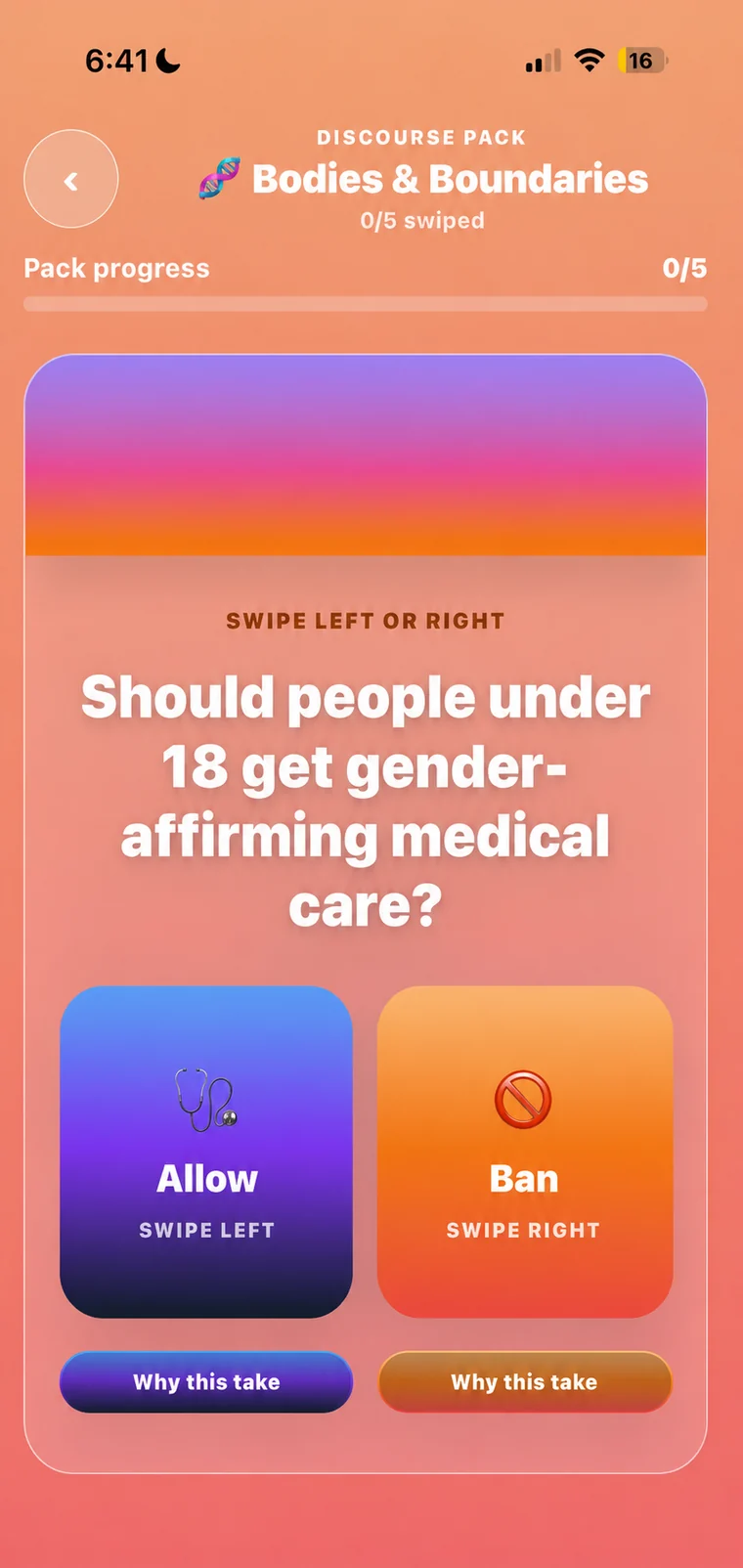
Download
Someone picked the opposite side. Go find them.
Download CounterSwipe and turn your first disagreement into a match.